Step 01
Scan
Scan the QR code on a file, folder or box.

Still asking, “Where's that file?”
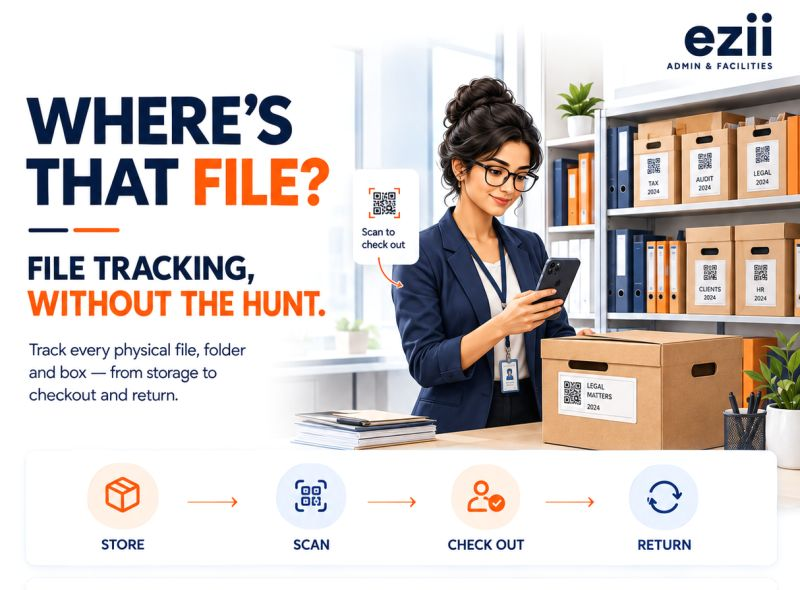
Track physical files, folders and boxes from storage to checkout to return — with QR-based tracking and a complete movement history.
15-minute walkthrough · No commitment
The problem
When files move between teams, departments and locations, nobody can answer a simple question.
Archive room
Filed under Tax 2024
Checked out by Rahul
Audit support
Sent to Legal
Same day
Moved to Bengaluru branch
Courier logged
Returned
Back on the shelf
Can your team answer that today?
How it works
Scan. Check out. Track. Return. History — so you always know who has it, and where it lives.
Step 01
Scan the QR code on a file, folder or box.
Step 02
Record who took it and why.
Step 03
See the current custodian and location.
Step 04
Record when it comes back.
Step 05
See the complete movement trail.
15-minute walkthrough · No commitment
The bigger picture
Same login. Same trail. Every office module your admin team actually uses.
File tracking is the wedge. The rest of the office floor sits in the same workspace.
Next step
A 15-minute walkthrough on your files — client files, case files, or the archive room. No pitch deck marathon.