THE REAL PROBLEM

Overtime Is Invisible — Until Payroll Finds It

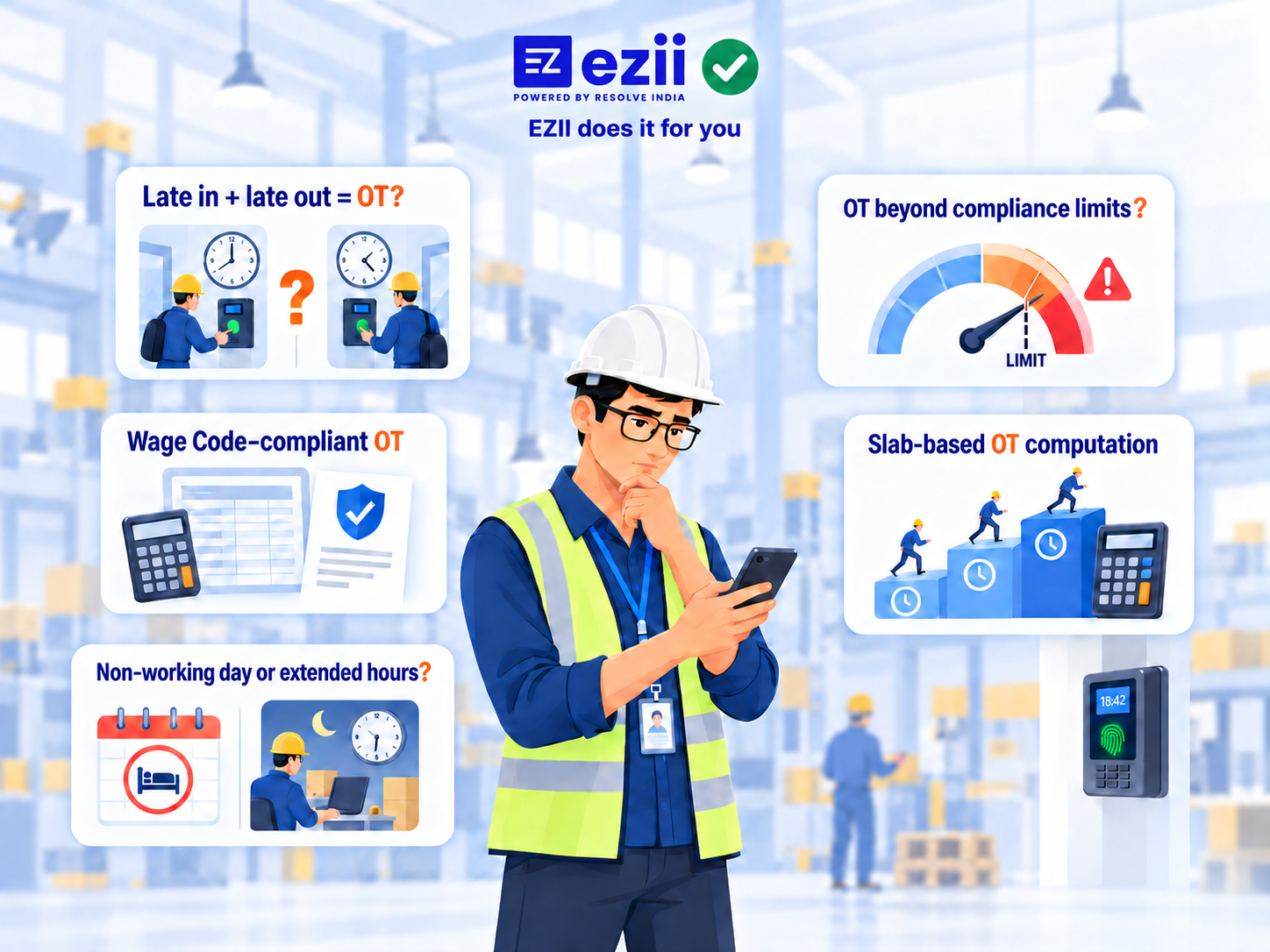
On most factory floors, overtime isn't tracked as it happens. It's pieced together after the fact — a biometric report downloaded here, a WhatsApp approval there, an Excel sheet stitched together before payroll runs. By the time anyone sees the real number, the cost is already locked in.

  • No one sees OT accruing in real time — only in after-the-fact reports.
  • Approvals happen over calls and WhatsApp, disconnected from the record.
  • Payroll finds out last — when the cost is already locked in.
A supervisor checking attendance and overtime status on a factory floor — punch, policy, approval and payroll shown as connected steps

Ready to automate your OT?

THE CURRENT REALITY

Does Your OT Process Still Look Like This?

Biometric reports downloaded manually
Late-coming and extra hours reconciled in Excel
Supervisors approving OT over calls/WhatsApp
HR chasing approvals
Payroll receiving changes at the last minute

Ready to automate your OT?

THE IDEAL FLOW

From Punch to Payslip, One Connected System

Every step runs against the shift policy that applies to that employee, that day — from roster setup through payslip.

  1. 01

    Set Shift Policies

    Day, night, or custom — each shift carries its own expected hours and rules, including single-day overrides.

    Roster setupPer-shift rules
  2. 02

    Capture the Day

    Biometric punch in, work on the floor, punch out — no manual entry or spreadsheet downloads.

    Punch inWorkPunch out
  3. 03

    Apply Policy & Calculate

    That day's roster policy drives OT, shortage, and late-coming — automatically, against the right shift rules.

    Policy appliedOT / shortage / late
  4. 04

    Approve in Sequence

    Supervisor or production head first, then HR — approvals stay in-system, not on calls or WhatsApp.

    SupervisorHR review
  5. 05

    Push to Payroll

    Approved attendance lands in eziipayroll. Payslip reflects base pay, overtime, shift bonus and attendance bonus.

    Payroll pushPayslip

Each shift can carry its own policy. Rosters can be adjusted — including for a single day — when staffing or production plans change.

Ready to automate your OT?

A DAY IN THE FLOW

What This Looks Like on the Floor

01

Every punch is captured at the gate — no manual entry.

02

The shift clock runs against that day's policy, automatically.

03

Punch-out instantly shows hours worked — and flags OT if it applies.

04

At month-end, the payslip already reflects Base Pay, Overtime, Shift Bonus and Attendance Bonus.

Ready to automate your OT?

Built for Rotational Shifts, Not Just One Fixed Schedule

Separate Policies Per Shift

Configure different expected clock-in, clock-out and required hours for day shift, night shift, or any custom shift.

Plan Ahead or Adjust Same-Day

Set rosters in advance to match production plans, or make single-day changes when staffing shortages or unplanned absences come up.

Reprocess for Confirmed-Later Shifts

For floors where shift assignment is only confirmed after the fact, rosters can be set for past dates and attendance reprocessed accordingly.

Ready to automate your OT?

HOW TEAMS USE IT

Real Shift Setups, Not Generic Policies

Two common manufacturing patterns EZII is configured for — OT flooring, auto LOP, and weekly rotational rosters.

Case 01

Day Shift Staff + Floor OT, Floored to 30 Minutes

Staff follow a general day shift. Floor workers run on a separate shift where OT applies — and only counts when it clears the next half-hour gate.

  • Detected OT is floored to 30-minute intervals: work at least 30 extra minutes for 0.5 hour OT, 60 minutes for 1 hour, and so on.
  • Shortages are auto-detected; half-day LOP and full-day LOP apply automatically from the same rules.
  • Month-end attendance reconciliation dropped from 1–2 hours to approving and processing payroll in about 15 minutes.
Before1–2 hrs / month reconciling
With EZII~15 min to approve & run payroll

Case 02

Six Shifts, Weekly Rotational Policy on Saturday

Four general shifts plus two rotational floor shifts (day and night). HR locks next week’s rotational policy every Saturday — the system applies the right rules per person, per day.

  • Each shift policy drives late-coming, OT, and negative OT when hours fall short.
  • Employees see processed attendance on mobile.
  • Payslips go out on WhatsApp once payroll is run.
Before6 shifts · 4 general + 2 rotational
With EZIIPolicy set Saturday → week runs itself

Ready to automate your OT?

PRICING

Individual Product Pricing — No Bundling Required

Subscribe to Attendance, Leave and Payroll separately. All prices exclude GST.

FOR OT AUTOMATION
eziiattendance
₹15/employee/month

Minimum billing ₹15/month

Shift policies, OT, shortages, late-coming and LOP — biometric to approval.

Excluding GST

eziileave
₹15/employee/month

Minimum billing ₹15/month

Accruals, approvals and balances — same per-employee rate as attendance.

Excluding GST

eziipayroll
₹50/employee/month

Minimum billing ₹1,000/month

Gross-to-net payroll with OT, shift bonus and attendance inputs connected.

Excluding GST

Not included in the above pricing

  • Biometric device cost
  • Biometric device integration
  • WhatsApp payslip delivery
  • GPS-based attendance for field agents
WhatsApp delivery

₹0.25 per message + tax (payslip broadcast and similar)

GET STARTED

Get in Touch

Show us how you currently manage OT. We'll map your process and show you where EZII can automate it.

+91