



01
Lobby & visitors
- Invite, pre-register and approve visitors
- QR and kiosk-friendly check-in with badges
- ID capture and a clean visitor trail
Visitors, workstations, file tracking, dak, meeting rooms, helpdesk and day-to-day ops — connected, trackable and easy for your admin team.
Trusted by fast-growing businesses across India









One trail — no broken handoffs between paper registers, chats and spreadsheets.
File tracking, visitors, workstations, security rounds and inventory — each module built for how offices actually run.
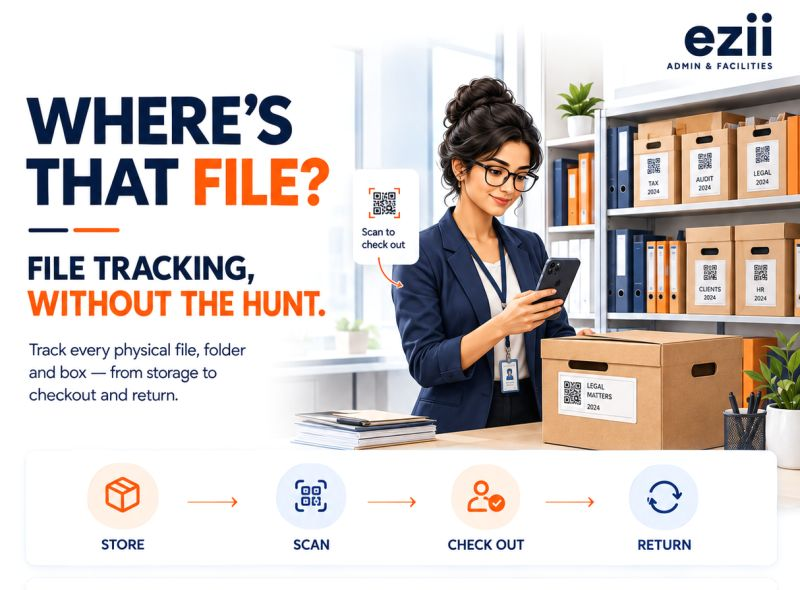
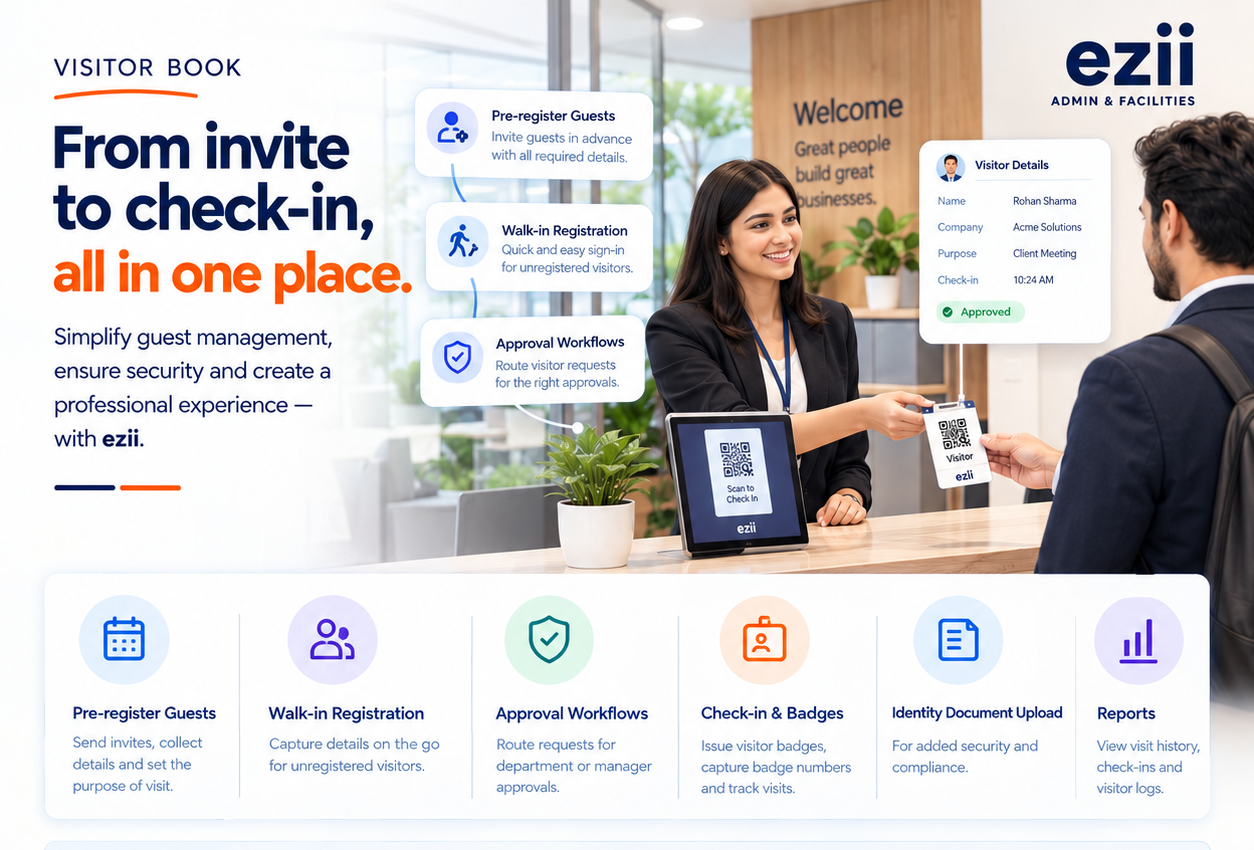
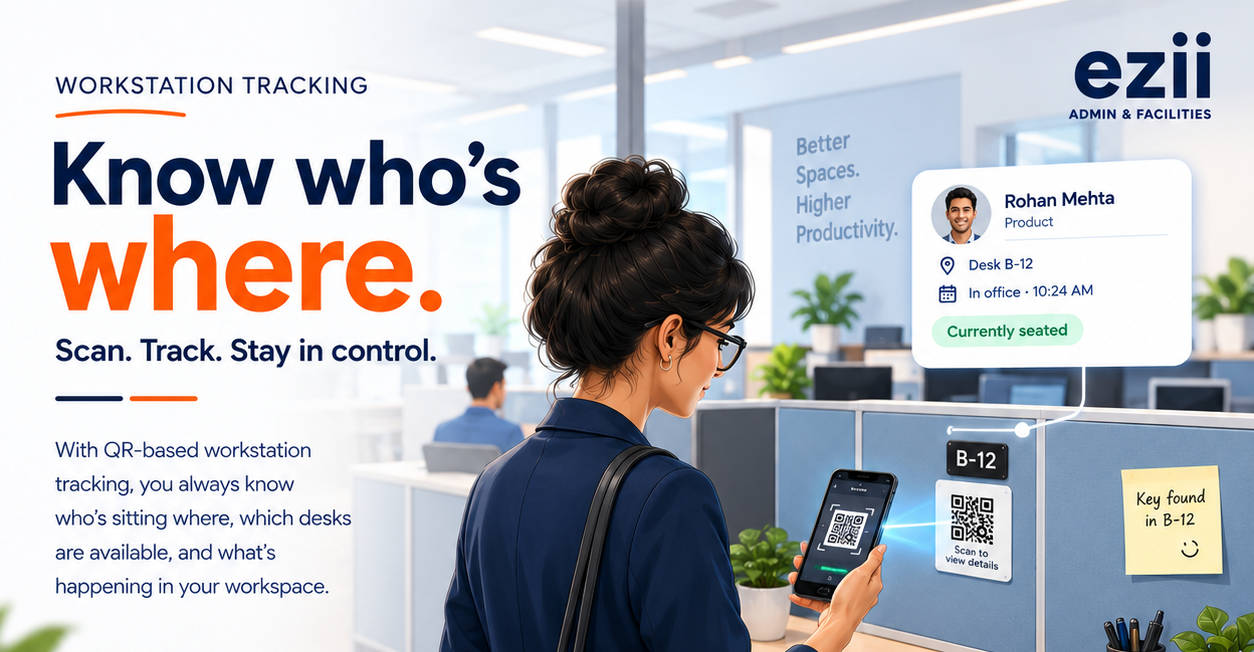
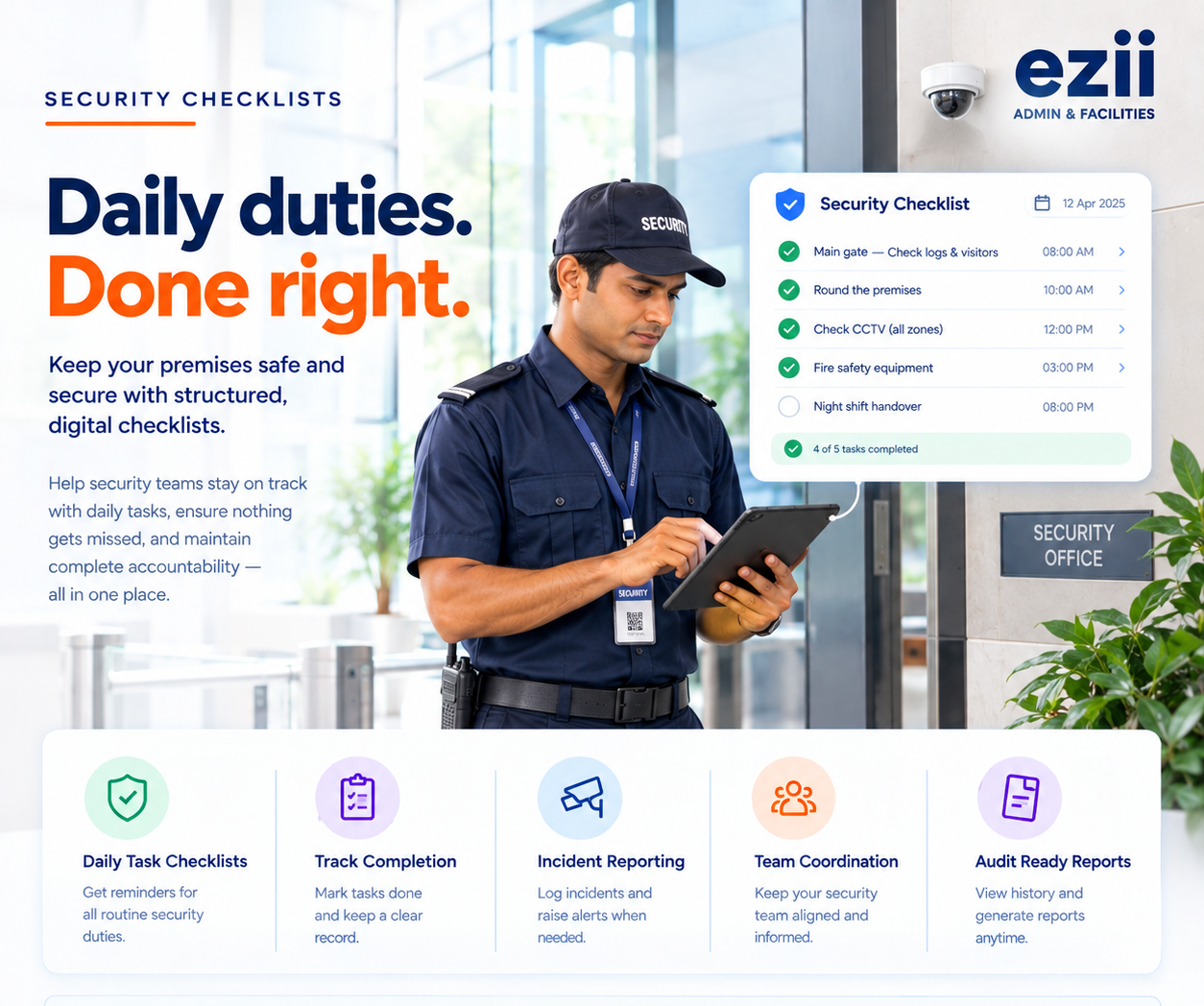
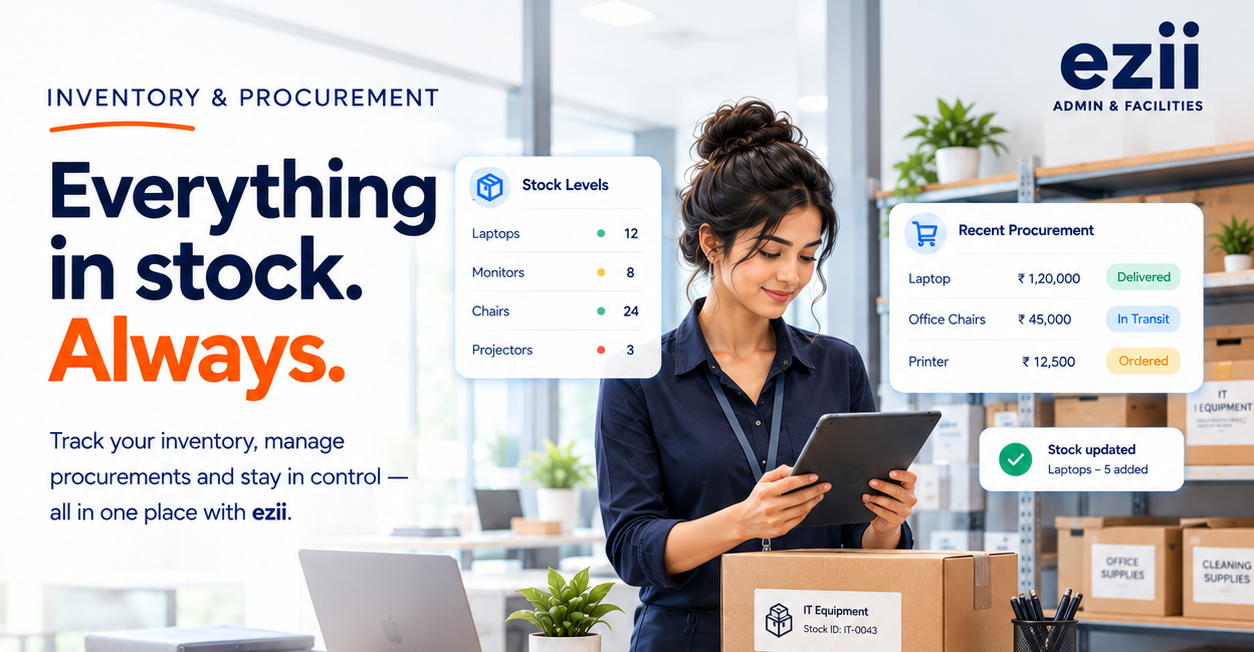
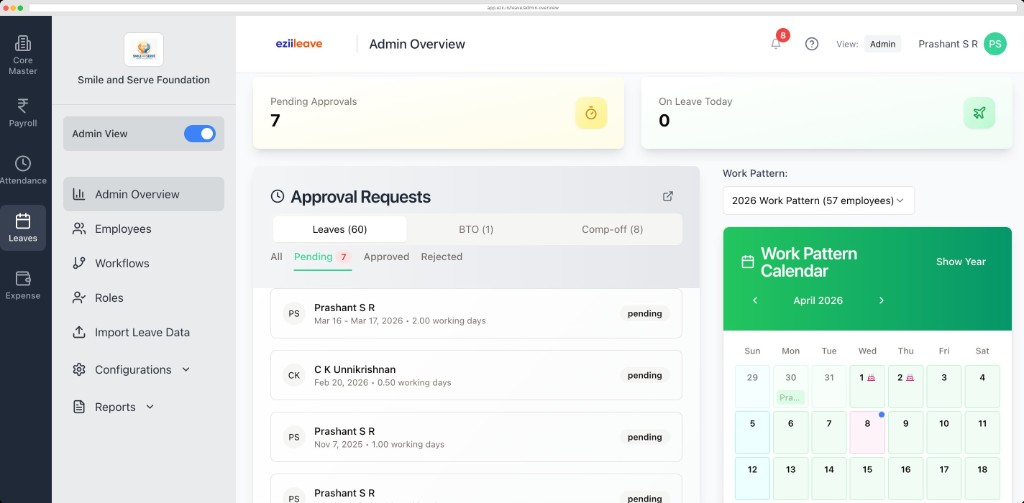
Every module connects to one Admin & Facilities workspace — same login, same data, same trail.
One employee record moves across every EZII product — so data flows instead of being keyed in twice.
We set up modules, locations and roles around how your office actually runs.
Share your locations, desks, rooms and teams. We configure modules, QR labels and role-based access to match.
Print QR labels for files, boxes and desks, and walk reception, security and admin teams through their flows.
Retire the paper registers and WhatsApp chasing with our team on hand. Support continues after go-live.
What admin and facilities teams usually ask before moving office ops to EZII.
Visitor book, meeting rooms, packages and dak, file tracking, DSC tracking, workstations, inventory and procurement, compliance checklists, travel desk, helpdesk, notices, announcements and access control — all in one workspace with one login.
Every file, box and desk gets a QR label. Scanning it shows where it lives, who has it or who sits there, with a full checkout or assignment history whenever things move.
Yes. Invite and pre-register guests, route approvals, check them in at the desk with QR and kiosk-friendly flows, capture ID documents and issue badges — with a clean visitor trail for audits.
Yes. Role-based access means reception, security, admin and leadership each see only the modules and records relevant to them.
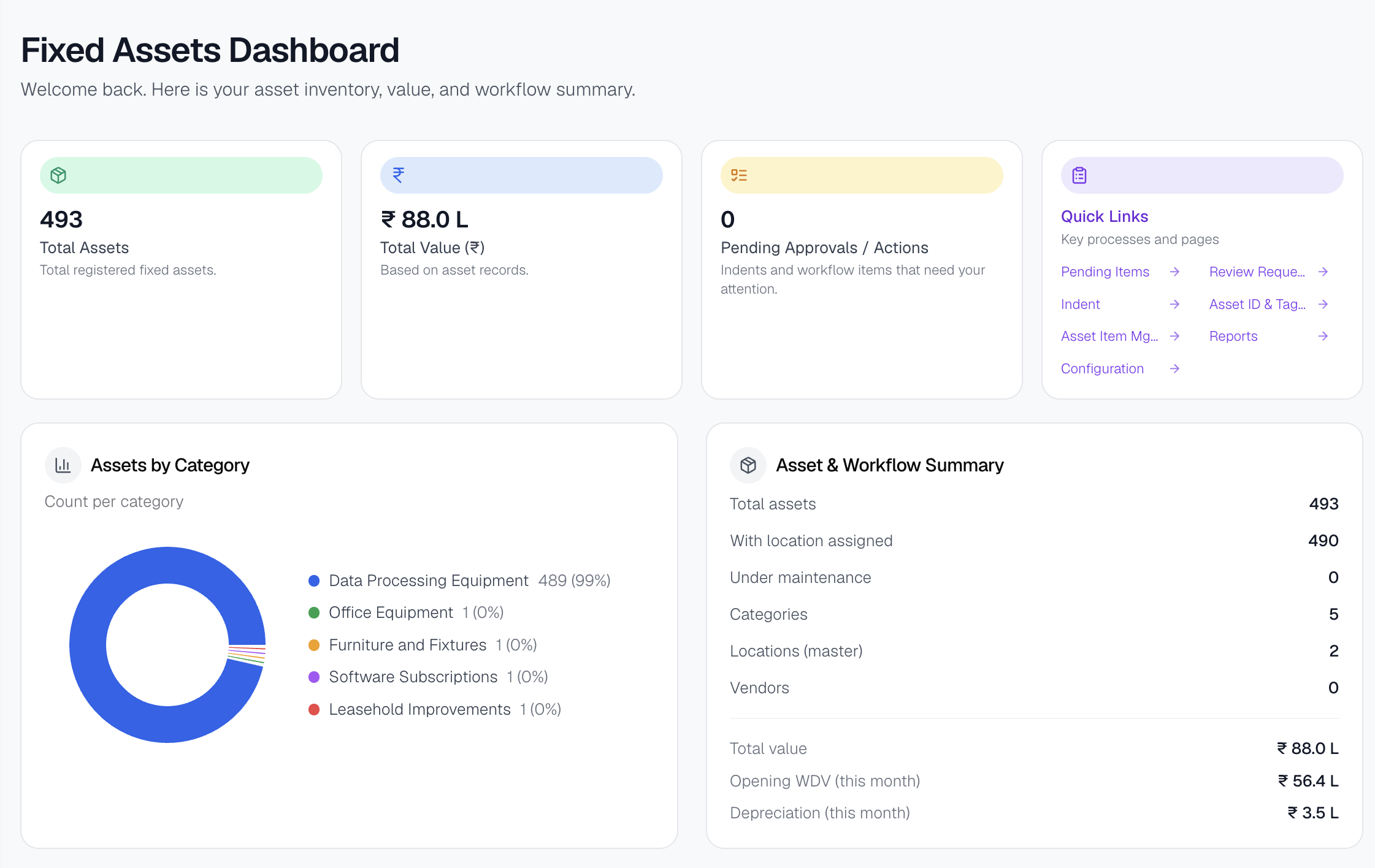
Every module keeps a trail, and dashboards and reports export directly — so audits stop being archaeology through registers and chat threads.
In 15 minutes we’ll walk through visitors, desks, files, dak and helpdesk — mapped to how your office actually runs.